

Prerequisites
- A running bot (see Signup Tutorial)
- At least 2 DZIT credits on your account for the creation fee
- Telegram with @biznode_bot open
Walkthrough
1
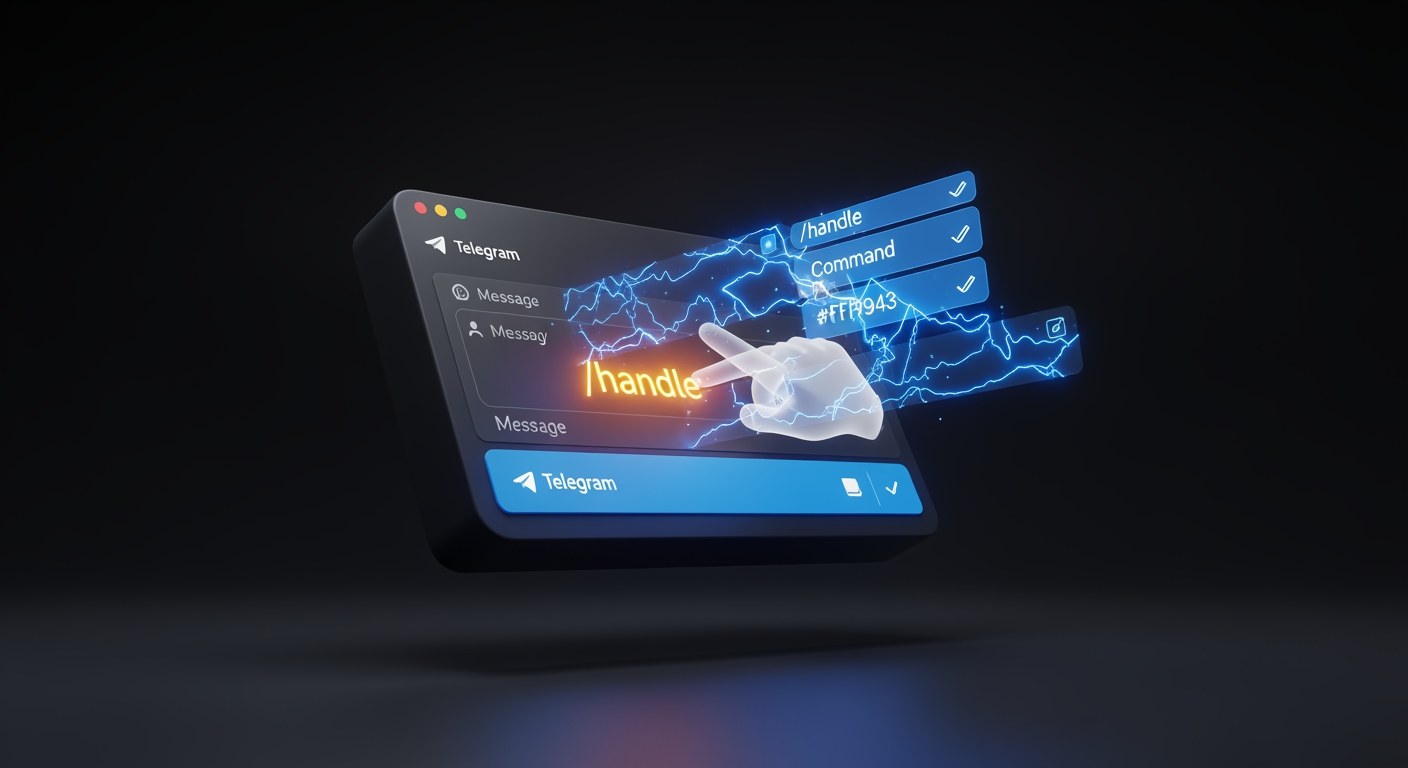
Send the /handle command
Open your chat with @biznode_bot and send /handle. The bot opens the handle creation wizard.
/handle
Tip: you can also type
/addhandle name to skip straight to naming.2
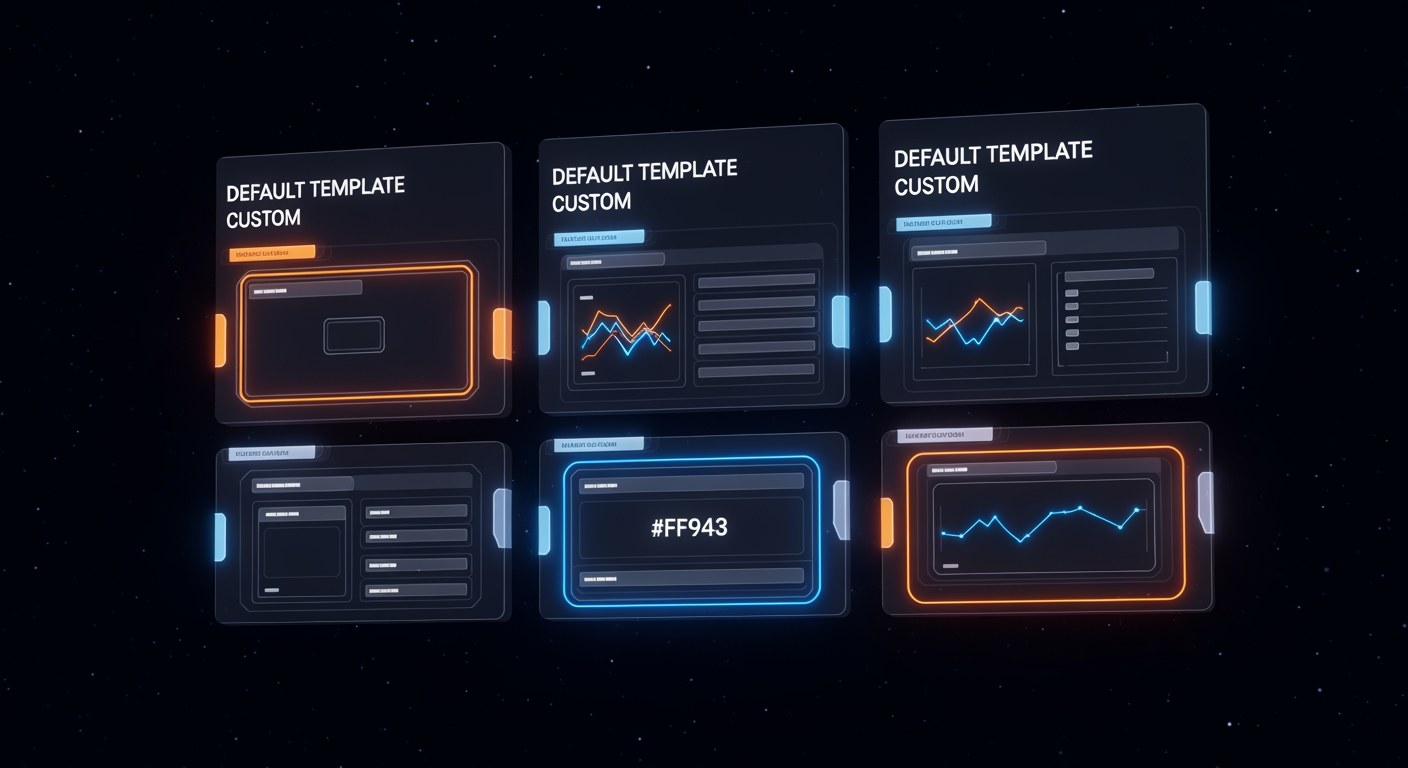
Select a blueprint category
The bot shows three categories:
- Default — generic patterns (chat, lookup, form)
- Template — curated industry handles
- Custom — bring-your-own prompt
3

Pick a template
If you chose Template, browse the library and tap one (e.g. contract_review, seo_audit, cold_email). Each blueprint comes with pre-tuned prompts and a suggested price.
4
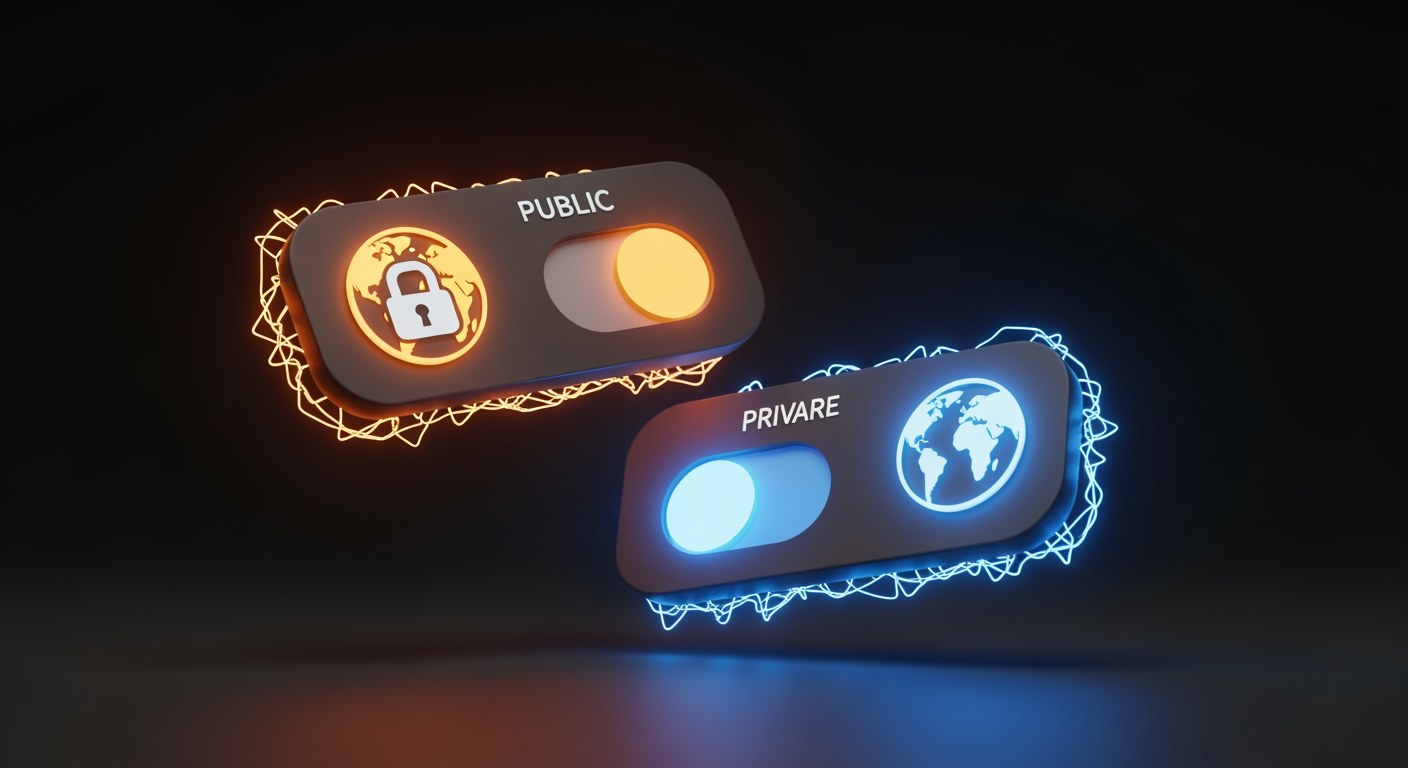
Choose public or private
Set visibility:
- Public — listed in the handle directory, callable by any bot
- Private — only callable by your own bot or whitelisted callers
Tip: start public — you earn 70% DZIT per call. Switch to private later if needed.
5
Confirm the DZIT creation charge
Creating a handle costs a small DZIT fee (refunded on your first 10 paid invocations). Confirm to continue.
Creation fee: 2 DZIT
Confirm? [Yes] [No]
6
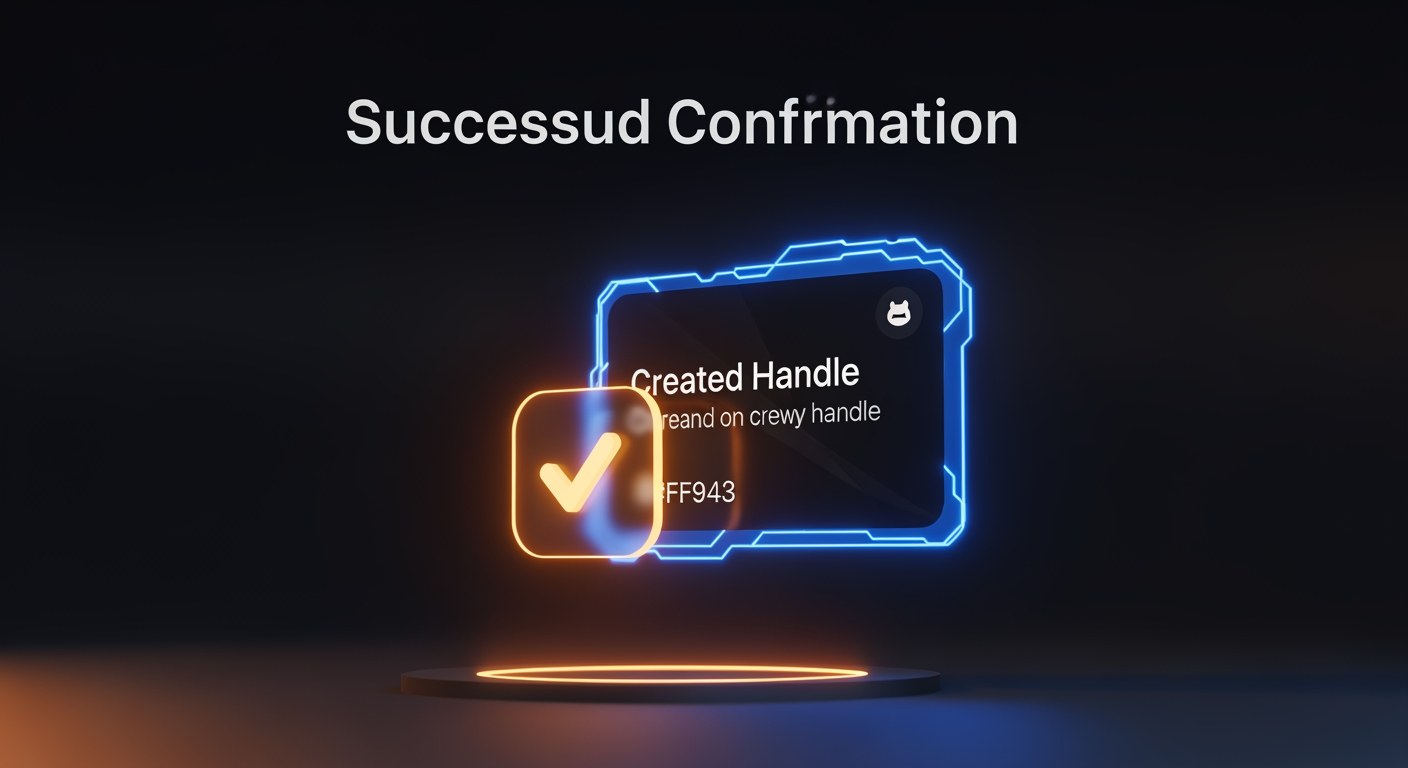
Confirm and publish
Tap Yes. The handle is registered on-chain and instantly listed in the directory.
You now have
A callable service at @yourbot/handle_name — any bot can invoke it and you earn 70% of every call.
Next Steps
Keep building with these related tutorials.
Try it now in @biznode_bot
Open Telegram, message @biznode_bot and walk through these steps live.
Open BizNode Bot →