
Prerequisites
- Own / admin a Telegram group with real members
- A running BizNode bot (Signup)
- A Polygon wallet for BZeUSD payouts
Walkthrough

Make @biznode_bot an admin
Open your group → Members → Add @biznode_bot → promote to admin with post messages permission.
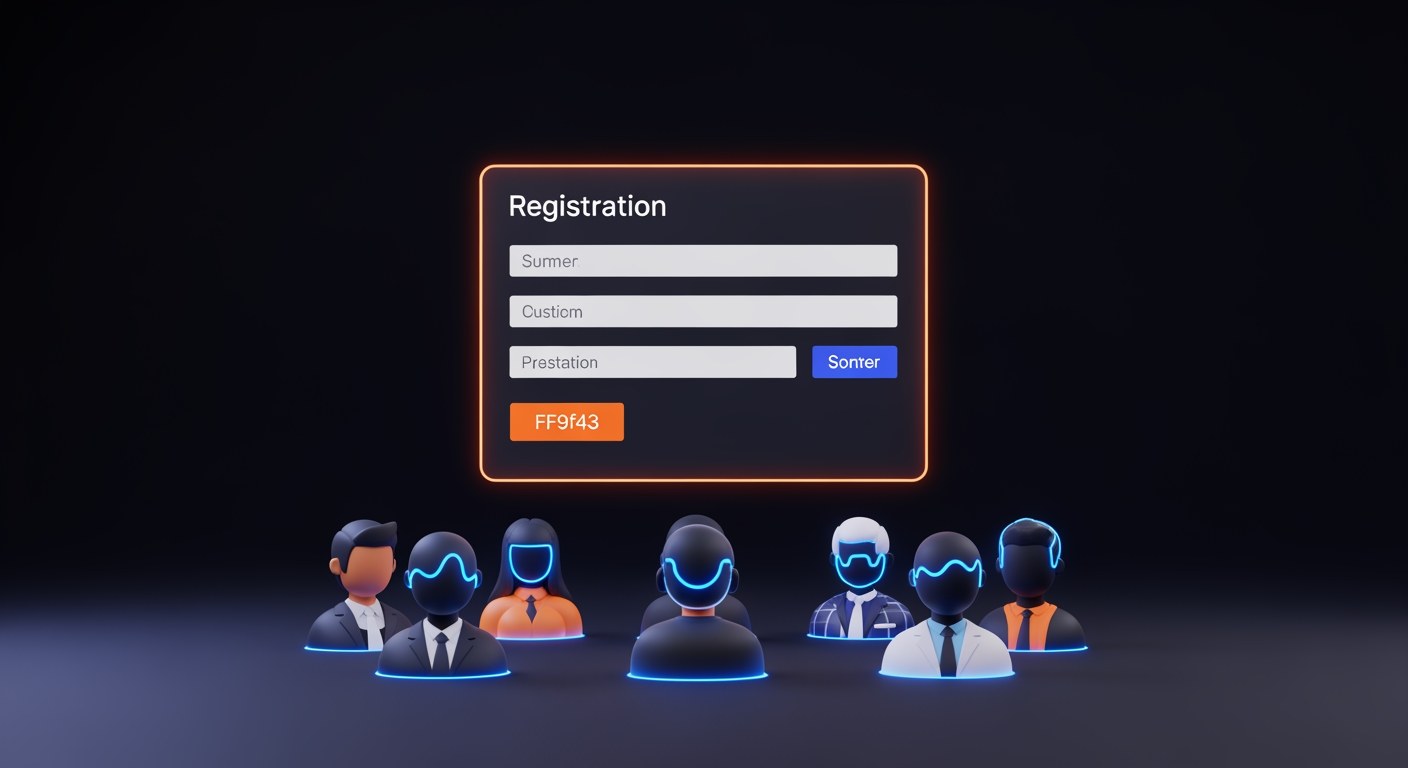
Run /register_group
In your private chat with @biznode_bot, send /register_group. The bot fetches group metadata and opens the registration form.

Set your base price
Set the price per ad slot in BZeUSD (e.g. 5 BZeUSD per 24h sponsored post). The bot recommends a rate based on member count.
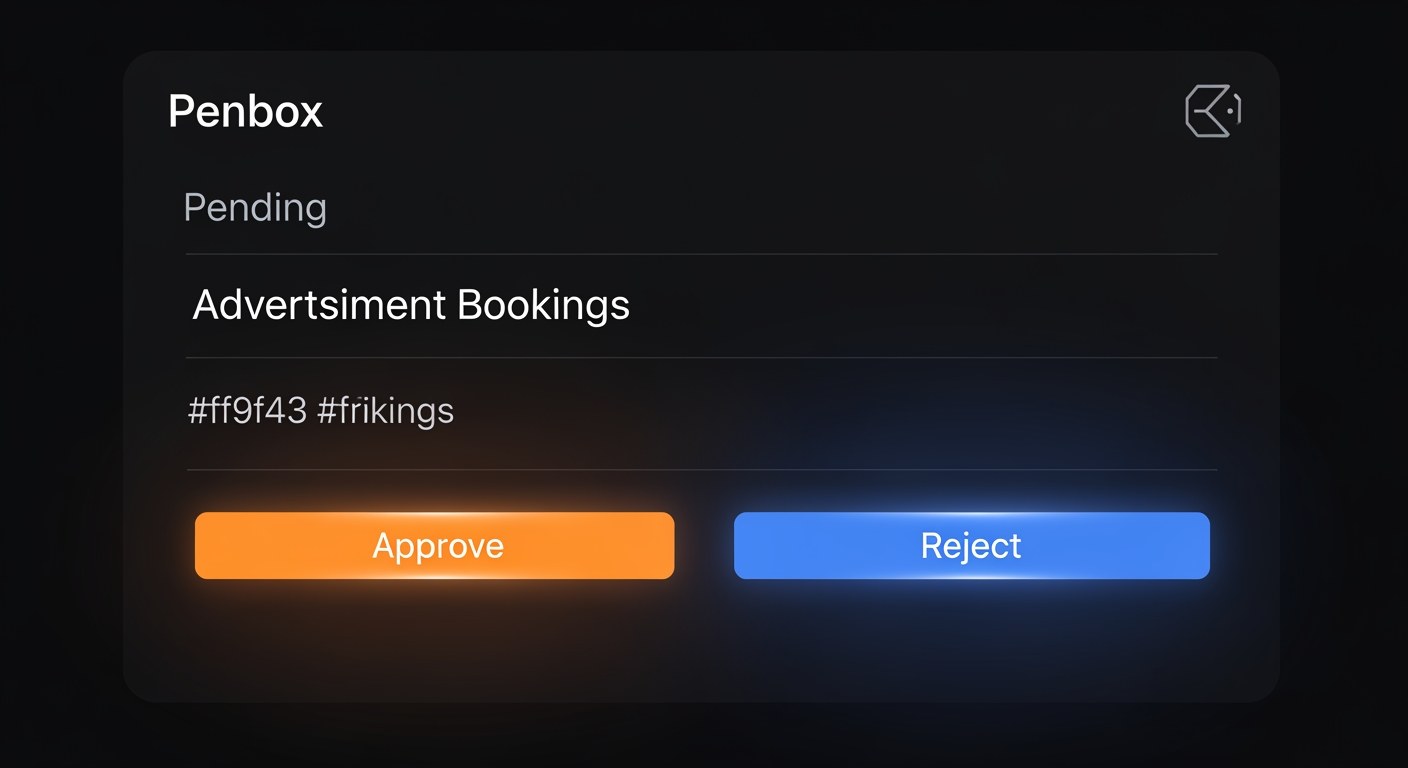
Approve incoming bookings
When an advertiser books your slot, the bot DMs you with the ad copy. Approve or reject.
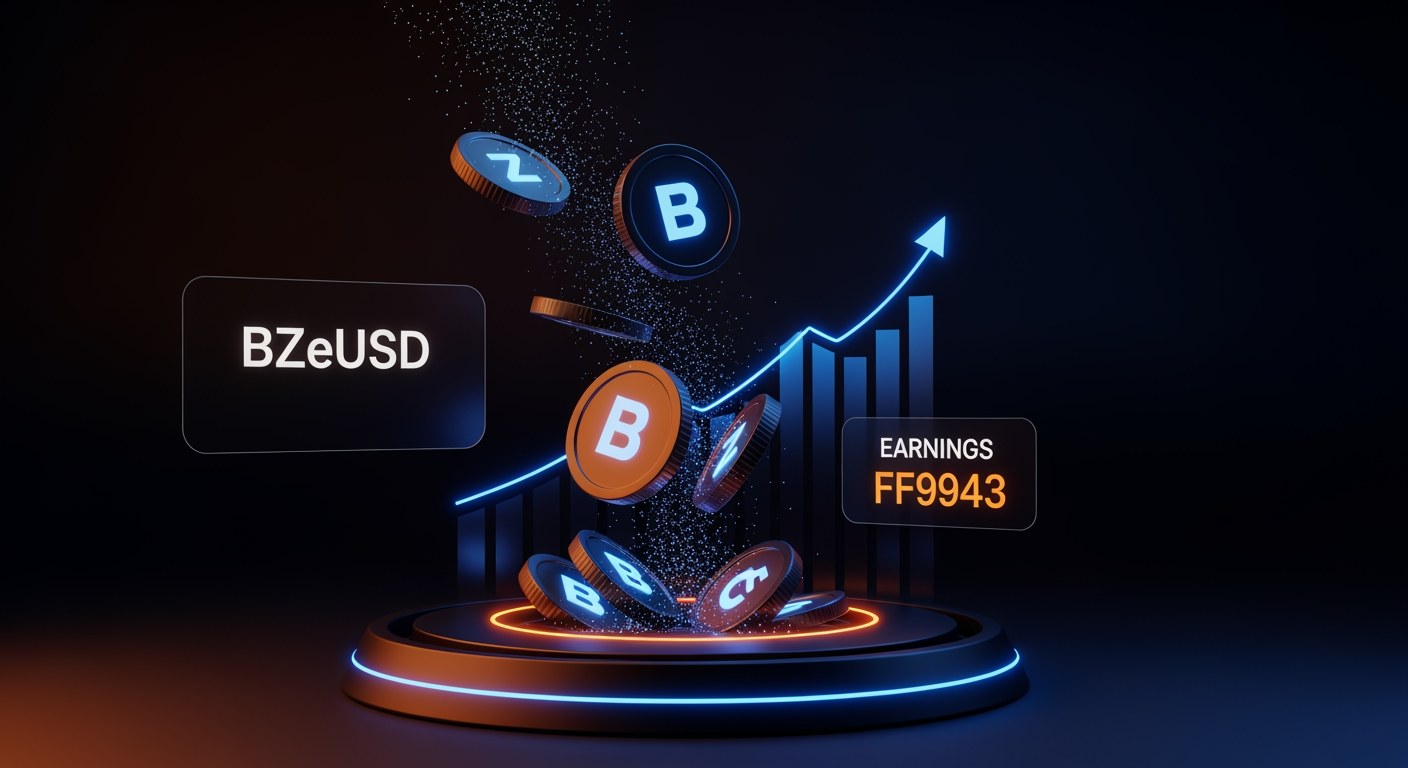
Collect BZeUSD automatically
Approved ads settle instantly: 70% to you, 20% to the referrer (if any), 10% platform. BZeUSD lands in your Polygon wallet.
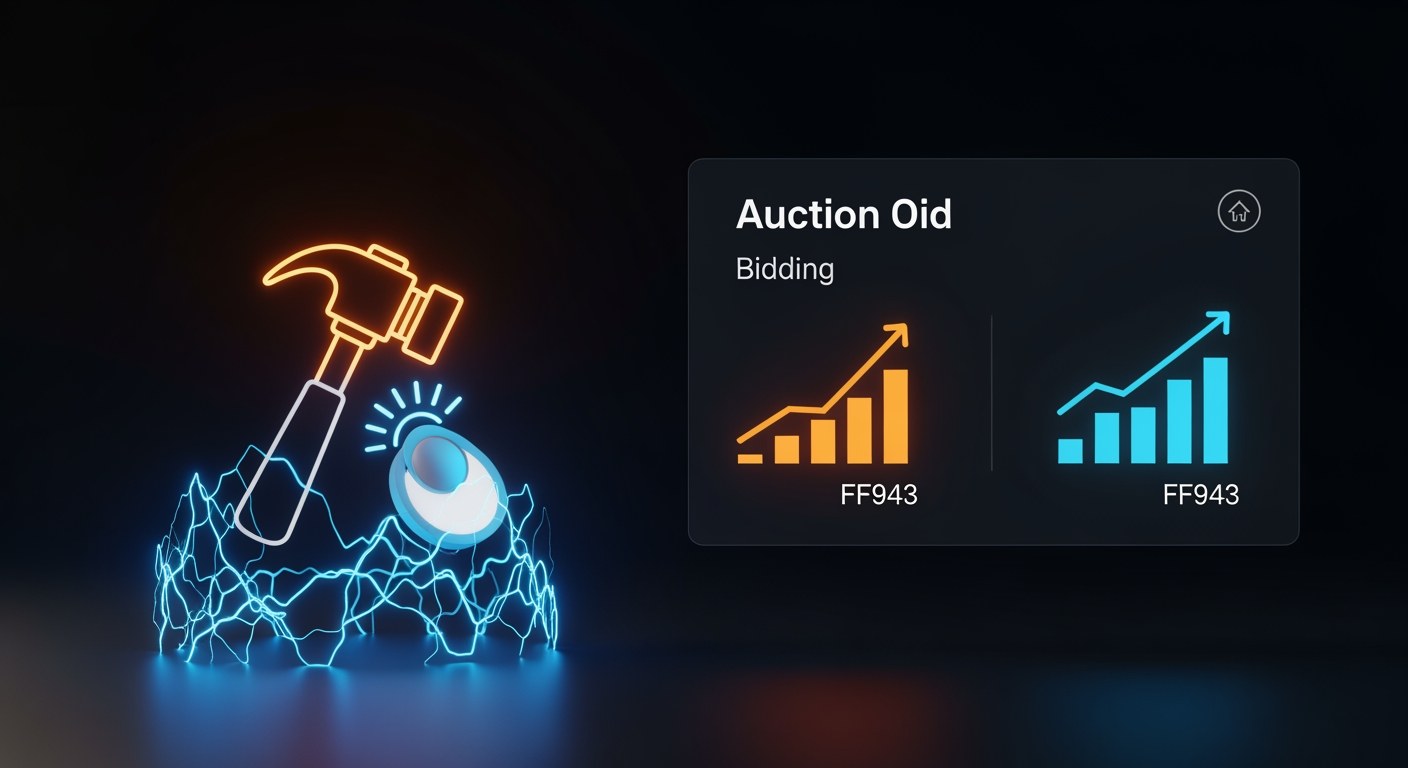
Enable auction mode (optional)
For popular groups, toggle auction mode. Advertisers bid for each slot and the highest bid wins.
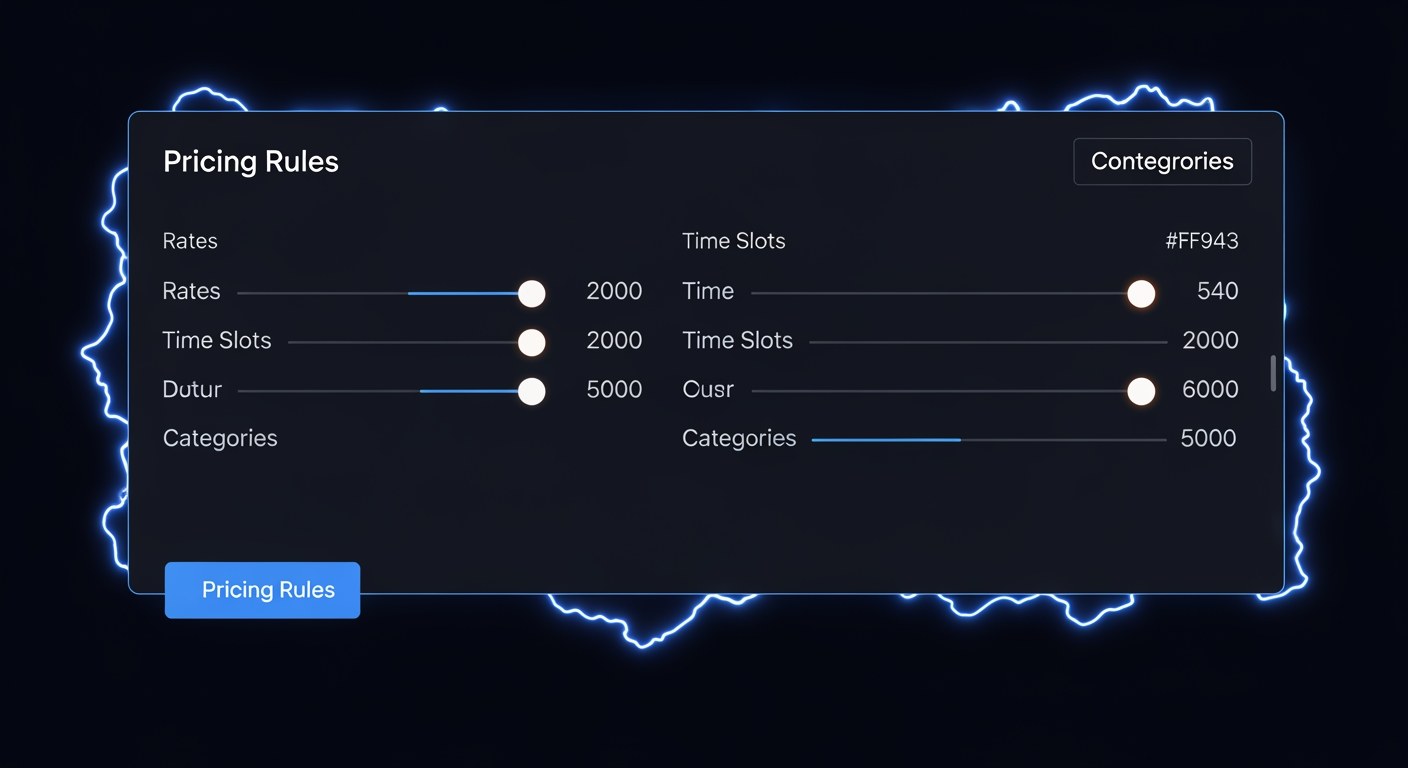
Configure pricing rules
Set time-slot pricing, category filters, cooldown periods and blacklisted keywords. Rules apply to all future bookings.
Next Steps
Keep building with these related tutorials.
Try it now in @biznode_bot
Open Telegram, message @biznode_bot and walk through these steps live.
Open BizNode Bot →