
Prerequisites
- A running bot with at least 2 handles created (see Create Handle)
- 5+ DZIT credits for testing
Walkthrough
Create the component handles first
Workflows combine existing handles. Create each step as its own handle first using /handle.
Run /cw to start the workflow wizard
Send /cw name h1,h2,h3 — name your workflow and list the step handles in order.
Add handles step by step
The bot walks you through each step, asking you to confirm the handle and its role in the pipeline.
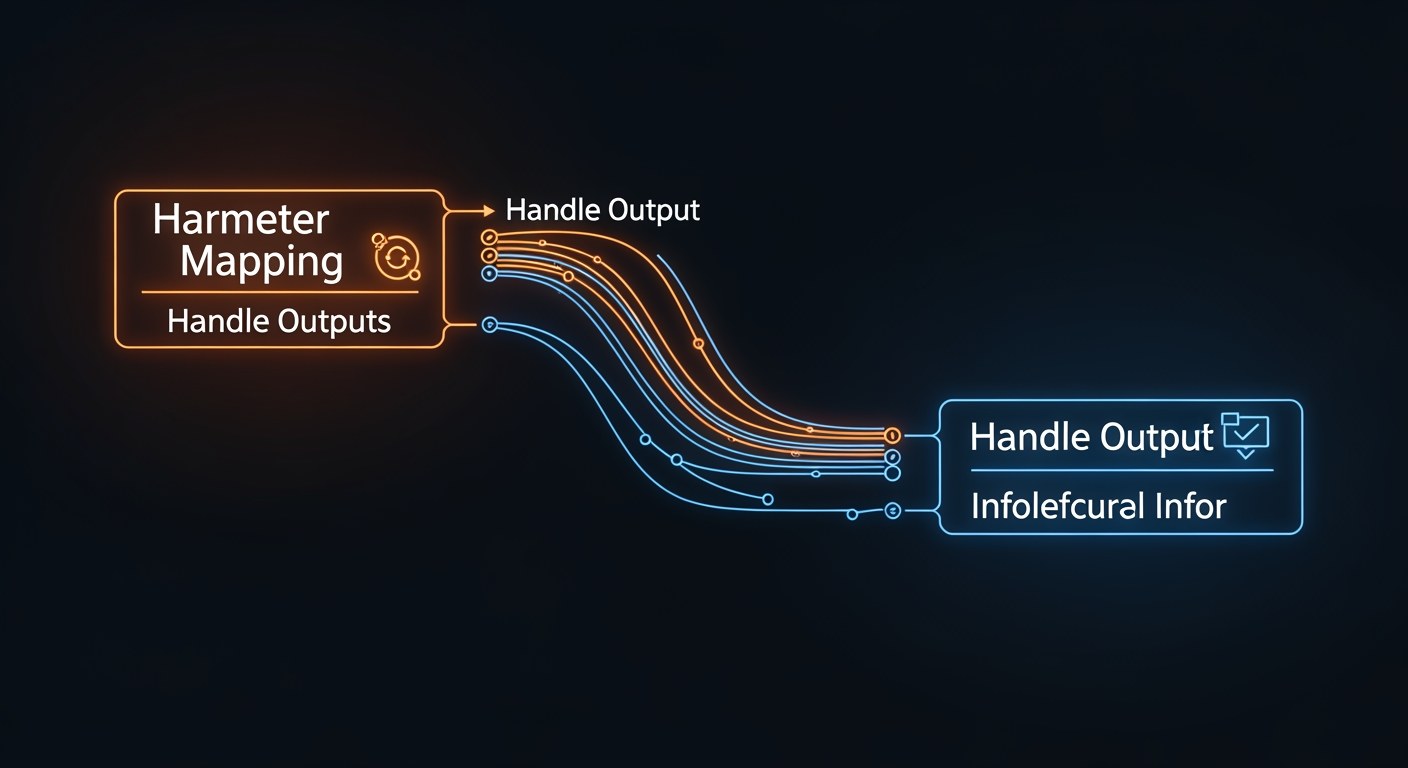
Define params_mapping
Map the output of each step to the input of the next. The bot shows the schema and you pick which fields carry forward.
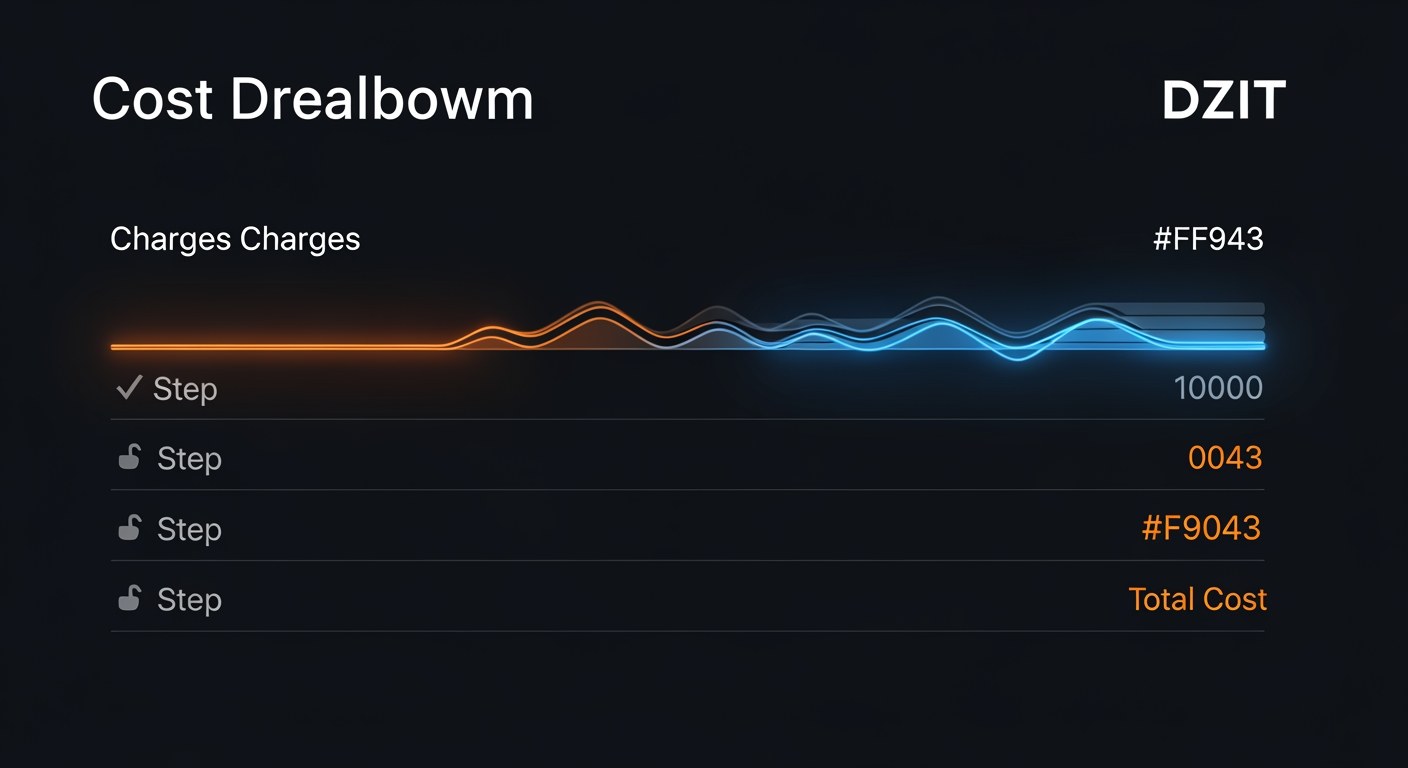
Review total cost
The bot sums the DZIT cost across all handles and shows the marked-up price your callers will pay.
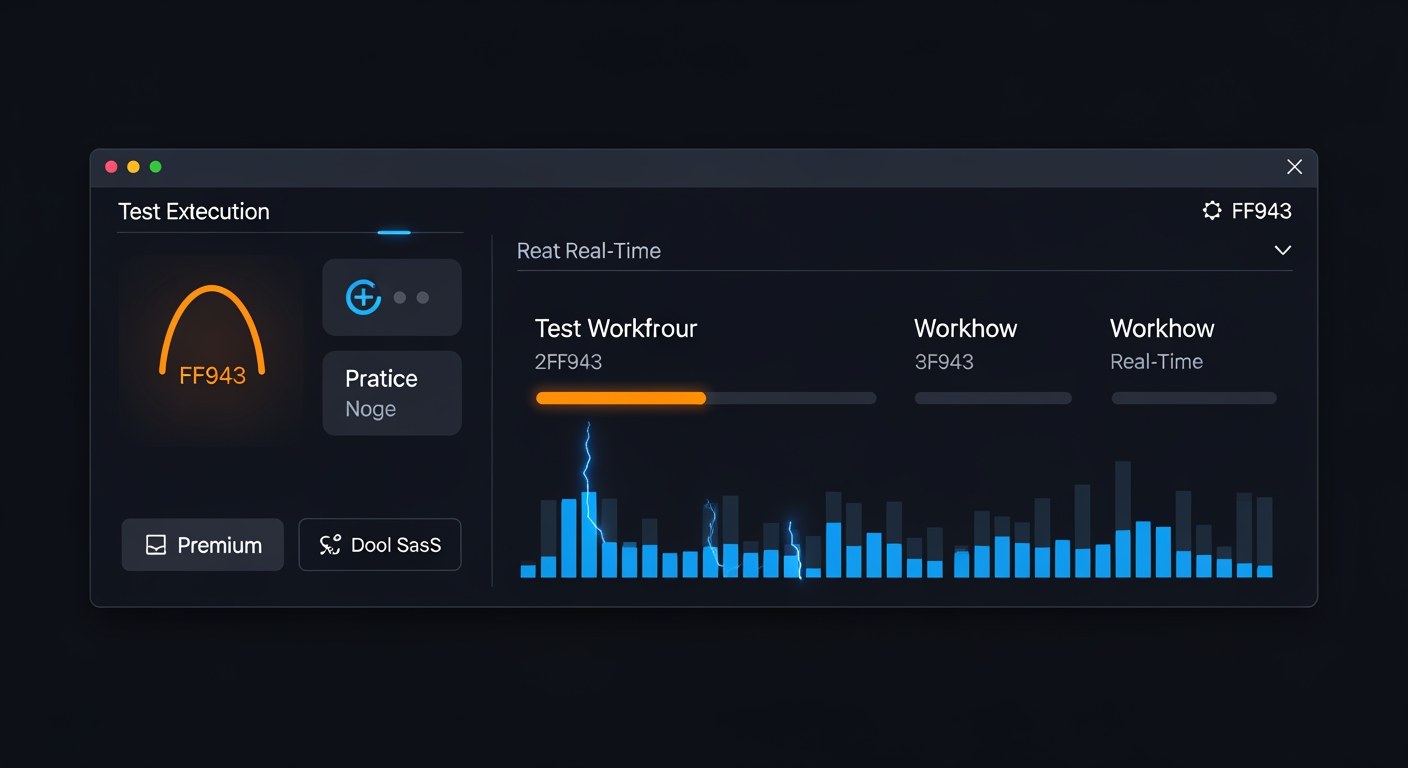
Test with /rw
Run the workflow end-to-end with a test payload to verify wiring before publishing.

Publish with /pw
Publish the workflow to the marketplace. Discoverable by other bots via /wf.
Next Steps
Keep building with these related tutorials.
Try it now in @biznode_bot
Open Telegram, message @biznode_bot and walk through these steps live.
Open BizNode Bot →