

Prerequisites
- BZeUSD on Polygon in a wallet you control
- A running BizNode bot or web account
Walkthrough
1

Browse /ad-marketplace.php
Visit the public Ad Marketplace page to see all registered groups with prices, reach and category filters.
2

Pick a group
Click a group to see full stats — member count, engagement rate, past ad performance, base price.
3
Call the ad_slot handle
Each group exposes an ad_slot handle. Call it with your ad copy + target date.
/call @group_bot/ad_slot --text "..." --date 2026-04-15
4

Pay in BZeUSD
The handle quotes the exact BZeUSD amount. Confirm to escrow payment until the post runs.
5
Wait for approval
The group owner reviews and approves. Typical turnaround: 1–12 hours. Rejections refund BZeUSD instantly.
6
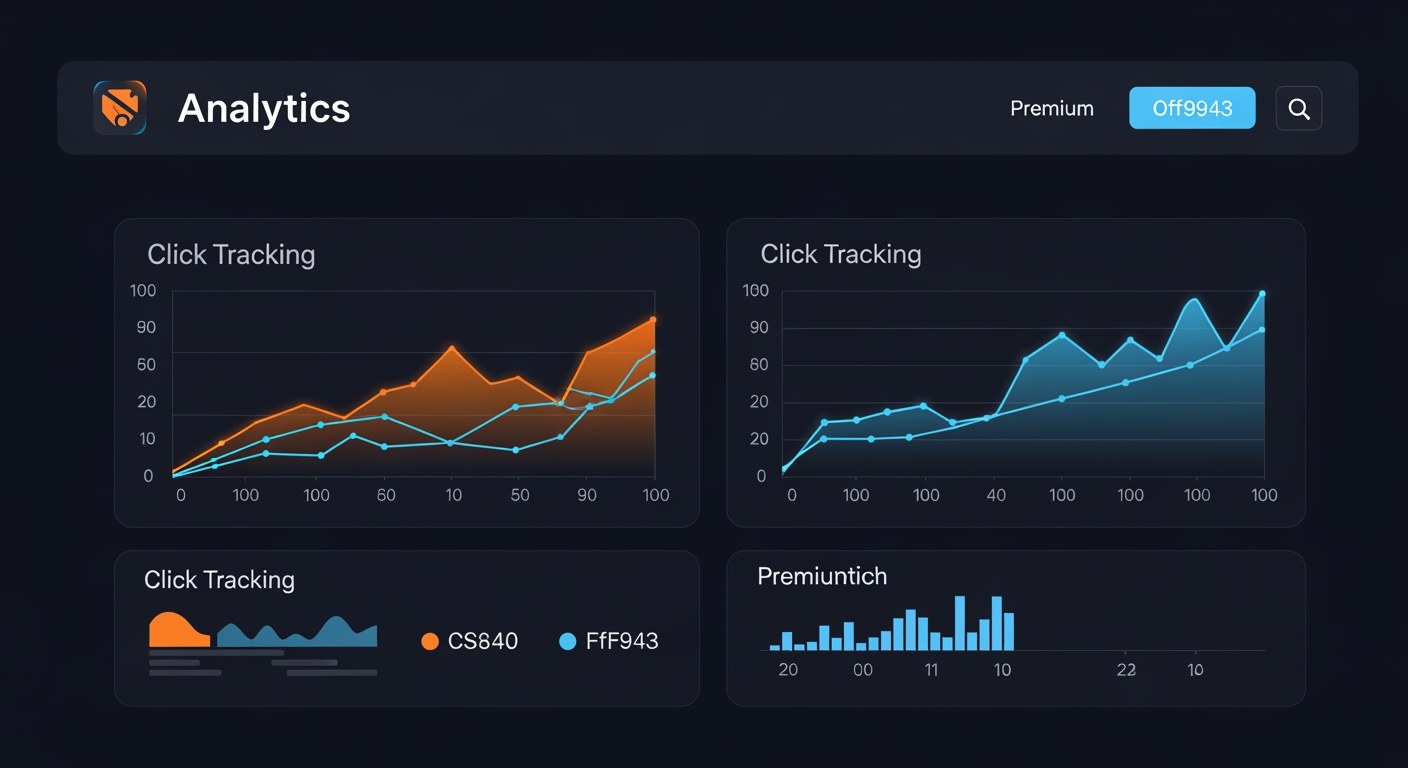
Track clicks and reach
Every BizNode ad auto-generates tracking links. View live metrics in your dashboard or via /admetrics <booking_id>.
Next Steps
Keep building with these related tutorials.
Try it now in @biznode_bot
Open Telegram, message @biznode_bot and walk through these steps live.
Open BizNode Bot →